
Lottery Picker™ 2024
Printer Settings
Being able to Print your lottery play-slip tickets is one of the best features of this program. Since everyone doesn't use the same printers that were used for testing, and to obtain best printing results, some adjustments may be necessary.
(TIP: Click on the images to see in FULL Size)

Although The Lottery Picker™ 2024 is pre-coded to print precisely on each State that is supported for Printing, your printer may require minor calibration.
When printing the play-slips on your printer, the printed rectangles or circles that cover the numbers may not quite line up because of the vast number of different printers on the market and the drivers that make them work . If your printed play-slips don't line up exactly right you can make adjustments here.
Learn more about the lottery bet-slip/play-slip printer settings here.
The Lottery Picker™ 2024 requires printers that accept small stock such as Play-Slips loaded into the right side of the printer. Center loading printers are not compatible.
Click a Tab below to jump to more information on those settings
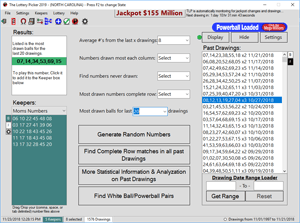
An Introduction The Lottery Picker Main Window
McCracken Software, We have what the others are shooting for...